End-points
We build, deploy and support SIP and WebRTC end-points for various operating systems, since 2007.
SIP allows the endpoints to negotiate and combine any type of session they mutually understand like Audio, Video, Instant Messaging (IM), File Transfer, Desktop Sharing and provides a generic event notification system with real-time Publications and Subscriptions about state changes that can be used for asynchronous services like Presence, Message Waiting Indicator and Busy Line Appearance.
WebRTC leverages the power of SIP to both mobile and desktop environments and augment it with new features like multi-party video conferencing.
Blink WebRTC for Mobile
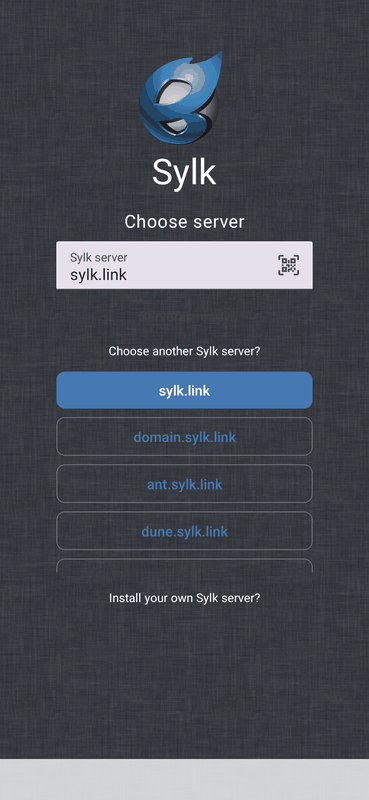
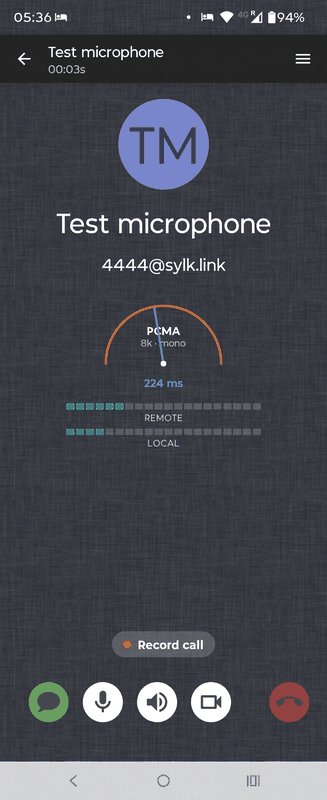
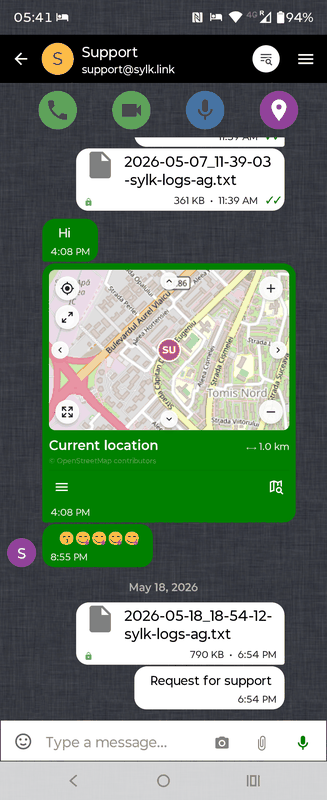
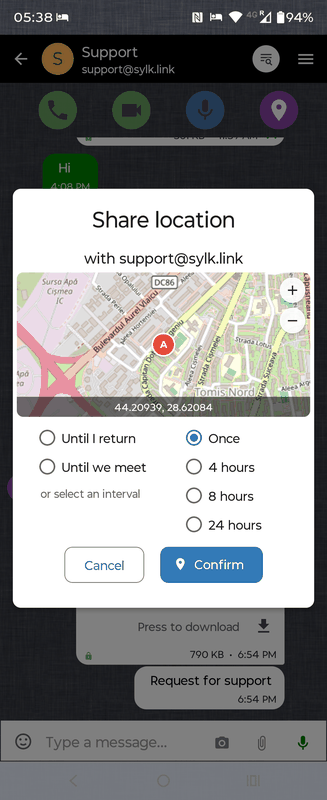
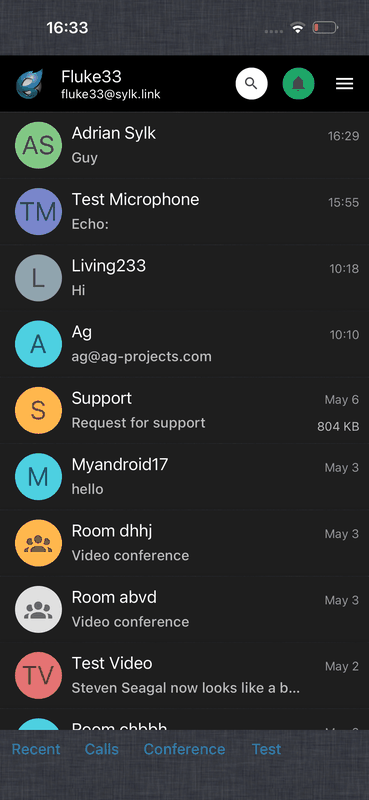
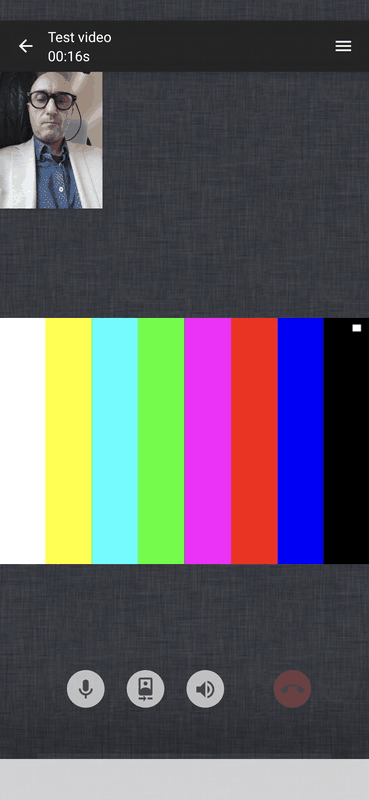
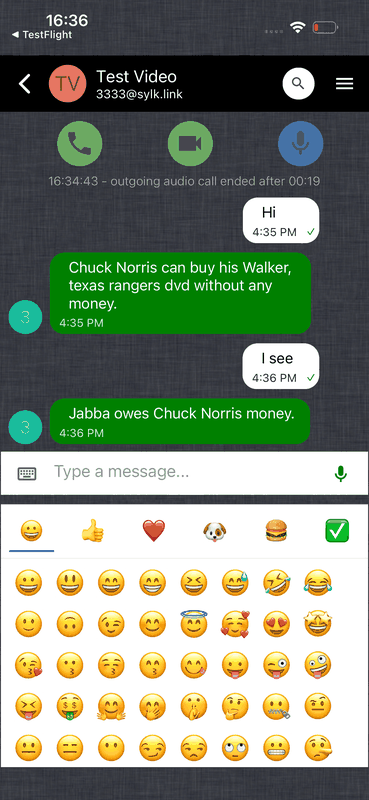

Blink WebRTC brings rich, real-time voice, video, and messaging to mobile devices using SIP. Fully open source and built on open standards, it provides end-to-end encryption for voice and video with ZRTP and for messaging with PGP.
Blink WebRTC uses SylkSuite to translate between WebRTC and SIP. SylkServer and SylkPushServer are required if you want to use Blink WebRTC with your own SIP infrastructure.
Blink WebRTC for Desktop
Blink WebRTC for Desktop is the cross-platform desktop client of Sylk Suite, available for MacOS, Windows and Linux. It interoperates with Blink WebRTC for Mobile, any classic SIP clients, and supports one-to-one and multiparty audio/video, screen-sharing, file transfers and end-to-end encrypted text chat.
You can acess the same features with a modern browser (Chrome, Firefox, Opera) — connected to SIP2SIP service.
Blink SIP client for Mac
Blink is a state of the art, easy to use SIP desktop client for Mac. Blink offers Rich Multimedia Communications based on SIP protocol using Future Proof Addressing in the form of an e-mail address. Easy integration with existing SIP Service Providers. Open Source, you get the source code and you can contribute.
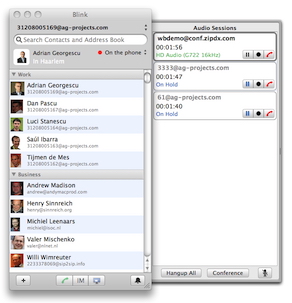
Blink is an IETF based SIP client that implements audio and video sessions using RTP protocol, session based Instant Messaging, file transfer and multi-party chat sessions using MSRP protocol, screen sharing using VNC protocol, publication/subscription for presence information and buddy list management using RLS and XCAP protocols.
Wideband Audio (Opus and G.722 codecs)
HD Video (H.264 and VP9 codecs)
Chat and File Transfer (MSRP protocol)
Presence (SIP SIMPLE)
Screen Sharing (VNC protocol)
End-to-end Encryption (ZRTP, OTR and OpenPGP protocols)
Multi-party conferencing
Offline messaging
Delivery and read receipts
To download the software go to http://iCanblink.com. See the changelog for the latest beta release notes.
Blink SIP client for Linux
Blink Qt is the Linux build of Blink SIP client, available as native packages for Ubuntu. It offers the full Blink SIP experience — wideband audio, HD video, MSRP chat and file transfer, ZRTP end-to-end encryption, presence and multi-party conferencing.
Blink SIP client for Windows
Blink for Windows offers the Blink SIP experience on Microsoft Windows — wideband audio, HD video, MSRP chat and file transfer, ZRTP end-to-end encryption, presence and multi-party conferencing.
SIP SIMPLE Client SDK
SIP SIMPLE client SDK is a Software Development Kit for easy development of SIP multimedia end-points with features beyond VoIP like Video, Chat, File Transfers, Screen Sharing and Presence. Other media types can be easily added by using an extensible high-level API.
The SDK has cross platform capabilities on Linux OS, Mac OSX and Microsoft Windows. The library should work with minimal changes on any platform that supports C and Python development environments.
SIP stands for Session Initiation Protocol, an IETF standard described by RFC 3261. SIP allows the endpoints to negotiate and combine any type of session they mutually understand — Audio, Video, Instant Messaging, File Transfer, Desktop Sharing — and provides a generic event notification system with real-time Publications and Subscriptions for asynchronous services such as Presence, Message Waiting Indicator and Busy Line Appearance.
The software license is GPL v3. If you need an alternative license, contact AG Projects.
Full documentation, source code and releases are available at sipsimpleclient.org.
SIP Command Line Tools
To test the SIP SIMPLE client SDK, you can use the Command Line Tools
provided by the sipclients3 package. The Command Line Tools are
compatible with MacOSX and Linux only. The package and executables use
the 3 suffix as Python 2 has been phased out.
The tools cover the main SIP scenarios:
sip-settings3 — manage global and SIP account settings used by middleware and Command Line Tools
sip-register3 — REGISTER a SIP end-point with a SIP Registrar or detect Bonjour neighbours
sip-audio-session3 — setup a single SIP audio session using RTP/sRTP/zRTP media
sip-session3 — setup one or more SIP sessions with Audio (RTP/sRTP/zRTP), IM and File Transfer (MSRP)
sip-message3 — send and receive messages using the SIP MESSAGE method
sip-publish-presence3 — PUBLISH presence to a Presence Agent
sip-subscribe-presence3 — SUBSCRIBE to Presence Event for a given SIP address
sip-subscribe-winfo3 — SUBSCRIBE to the watcher list for a given SIP address
sip-subscribe-rls3 — SUBSCRIBE to Presence Event for a list managed by a Resource List Server
sip-subscribe-xcap-diff3 — SUBSCRIBE to xcap-diff Event to monitor changes to XCAP documents
sip-subscribe-mwi3 — SUBSCRIBE for Message Waiting Indicator
Audio and Instant Messaging media both support end-to-end encryption using the OTR protocol, end-to-end delivery notifications and CPIM mime payloads.
To use the Command Line Tools on the public Internet you need at least one public SIP account. You can register one for free at sip2sip.info. Full documentation is at sipsimpleclient.org/testing.